
Nexdev · Beta
NexPilot Beta
Connect your AI assistants to WordPress and manage content, products and technical tasks with controlled access.
0.2.1-beta.1 · WordPress 6.6+ · PHP 8.1+
What is NexPilot?
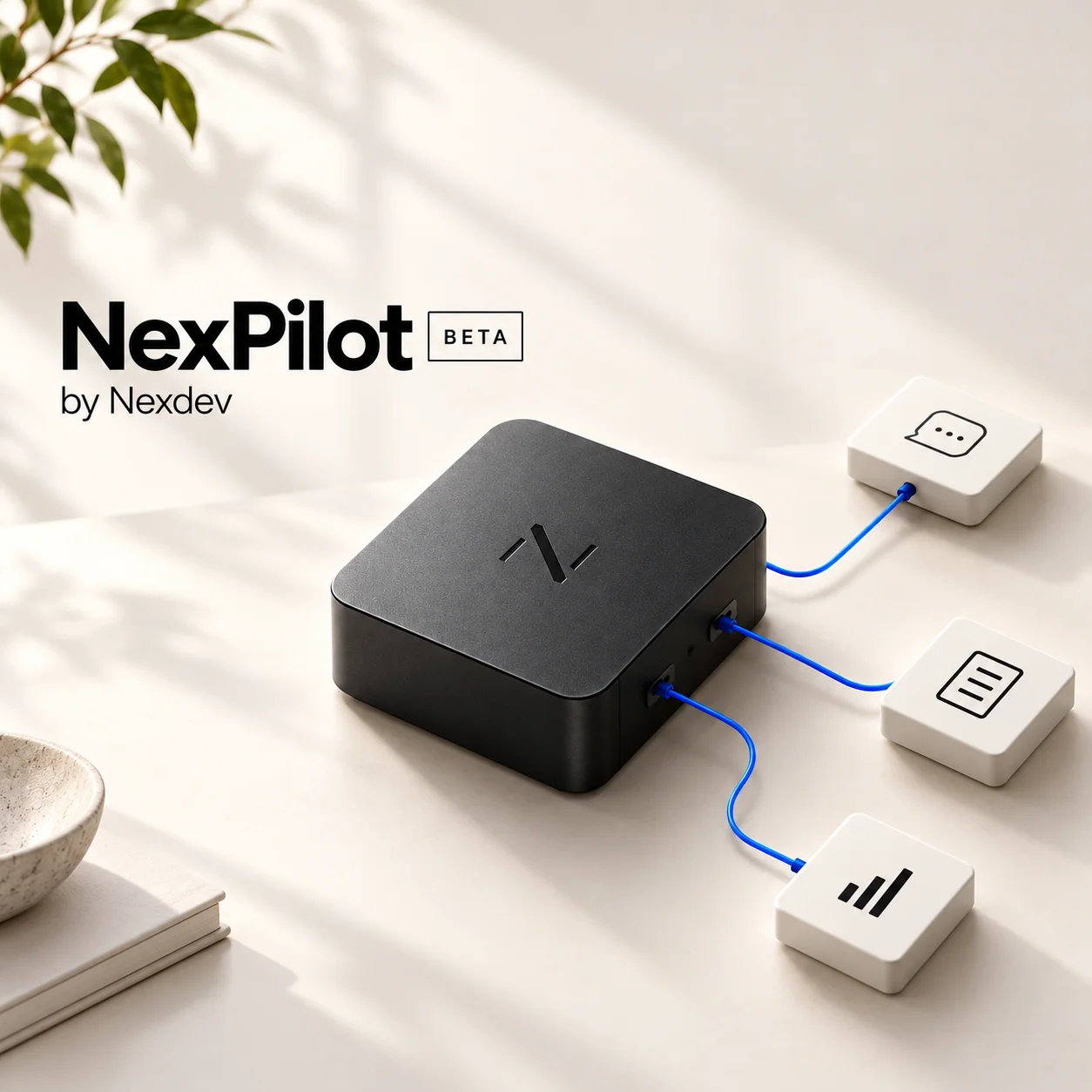
NexPilot connects your WordPress installation to AI applications that support MCP. Your assistant can read actual site information and propose specific changes instead of relying only on content copied into a conversation. You choose what each connection can read and which actions it may perform.
Who is it for?
WordPress administrators, content teams, store owners, developers and agencies using AI in their daily work. Install it on the WordPress site you want to connect. Store features require WooCommerce, and extension-specific integrations require the corresponding plugins.
What can you do?
Read your site content
Give your assistant access to pages, posts and blocks so it can examine existing content and prepare revisions based on its current state.
Prepare page and post updates
Request rewritten copy, a page update or block changes. Proposed actions go through preview and separate WordPress administrator approval before execution, provided the connection has the necessary permissions.
Work with WooCommerce products
Read product information and propose updates to titles, descriptions, prices or stock. Separate commerce access also supports specific order actions such as notes and status changes. These may trigger store notifications.
Share content and design guidance
Use saved guidance and design rules as context for your assistant. Read block structures and check proposed content with available static checks. The result also needs visual review on the page.
Connect multiple AI assistants
Each compatible application gets a separate connection, credential and permissions. Use multiple assistants on the same site and revoke one without removing the others.
Check your installation
Read WordPress, PHP and WooCommerce information, connector version and available health checks. Begin with read-only access before enabling changes.
Carry out advanced maintenance when needed
Experienced administrators can use file, PHP and WP-CLI operations within a separately opened temporary maintenance window. This grants extensive access and requires care, a backup and command review before approval.
Everyday examples
- Read a service page and prepare new copy while keeping its block structure.
- Review store products and propose more consistent titles and descriptions.
- Check the installation and available operations before starting a task.
- Divide work among different AI assistants with separate permissions for each.
How does a change happen?
The assistant reads the current state, prepares a preview and submits a proposal. An administrator reviews and separately approves the action in WordPress. Permissions and the resource revision are checked again before execution. Activity records help you review what happened. Recovery depends on the type of operation and does not replace a backup.
Installation and compatibility
To use NexPilot with ChatGPT, you need your own ChatGPT account. Connecting ChatGPT to NexPilot is a separate setup step after installing the plugin. The Nexdev account used to download the file is separate from your ChatGPT account.
Requires WordPress 6.6+, PHP 8.1+ with Sodium, HTTPS and a compatible MCP application. The plugin provides site connectivity; the AI application and its account are configured separately. This beta has been tested on specific installations and does not imply compatibility with every theme, plugin or AI application.
This beta is still under testing. Start on staging with a backup and read-only access. Full maintenance grants extensive access.
Download NexPilot Beta
Create a Nexdev account or sign in to download the file. Then return here and select Download NexPilot Beta.
All products